Lowprio Notes
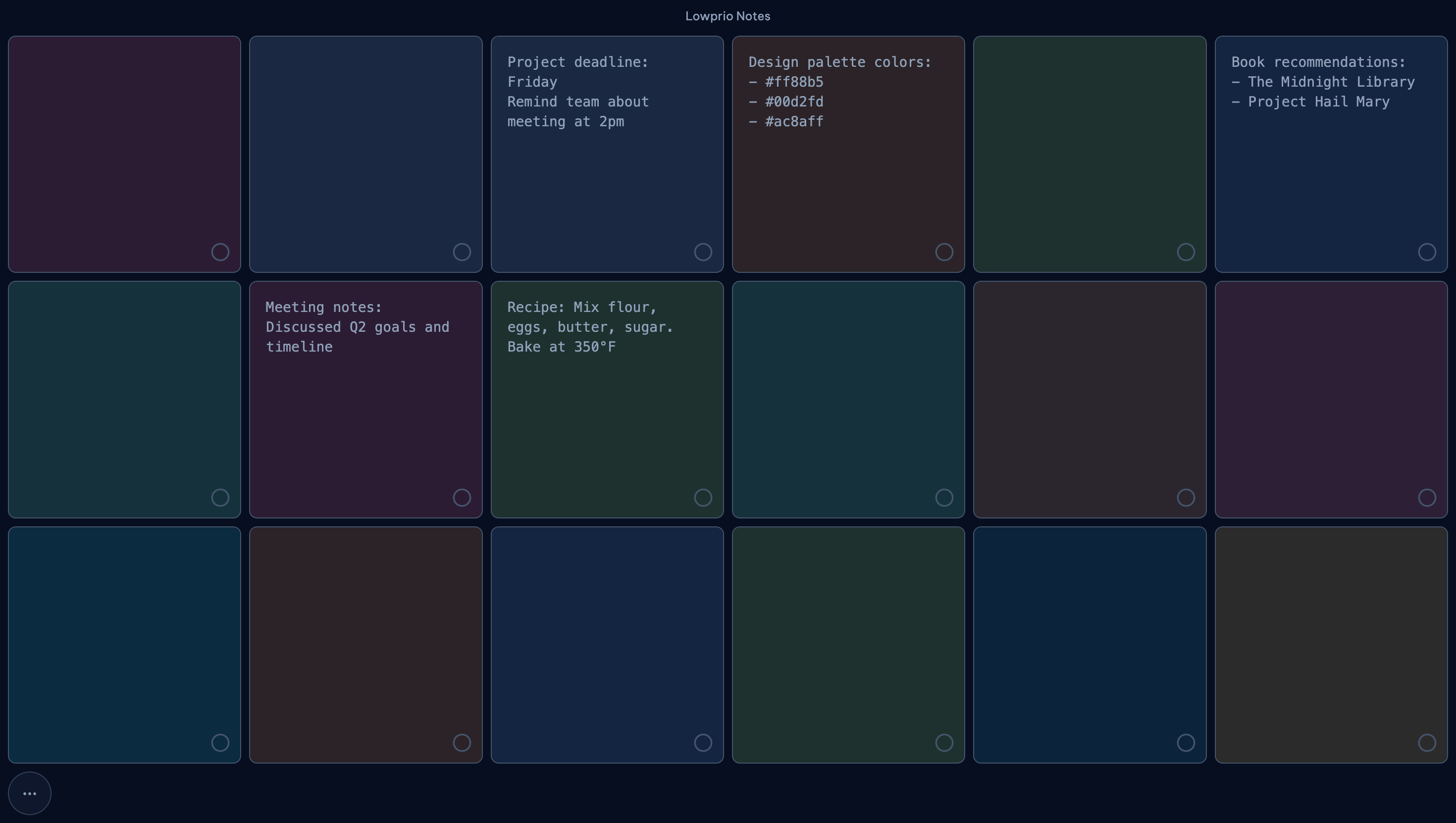
Notes
A fixed board for quick notes, low-stakes tasks, and other things that should leave your head fast.
- Fixed canvas so the board does not sprawl.
- Stored locally on the device by default.
notes.lowprio.com
Lowprio
Lowprio includes three local-first apps designed for capturing and organizing short information.
The apps run in the browser and store data locally on your device.
Apps
Lowprio Notes, Lowprio Links, and Lowprio Memos are separate tools for different types of saved information.
Lowprio Notes
A fixed board for quick notes, low-stakes tasks, and other things that should leave your head fast.
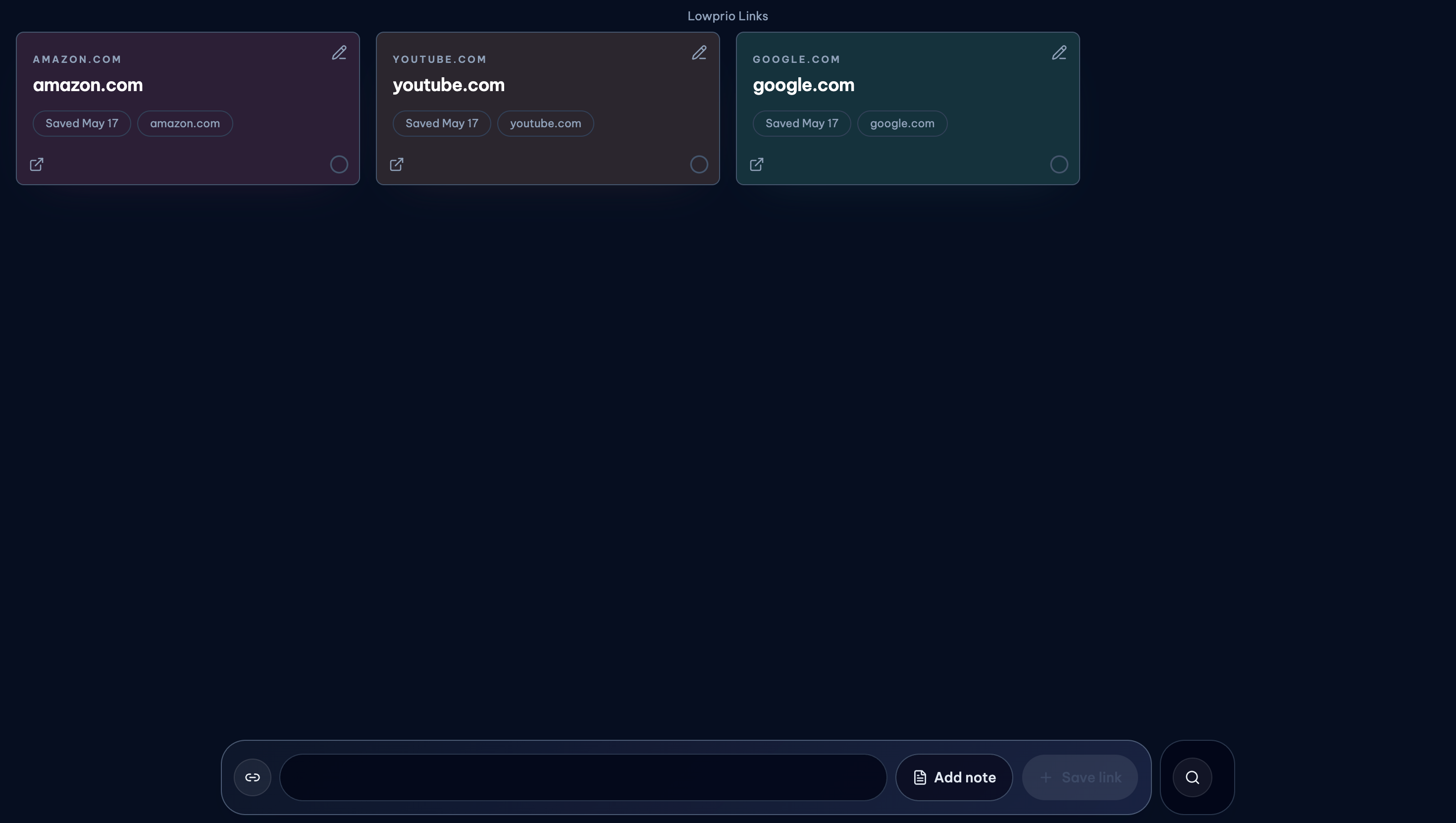
Lowprio Links
A place to save URLs
Lowprio Memos
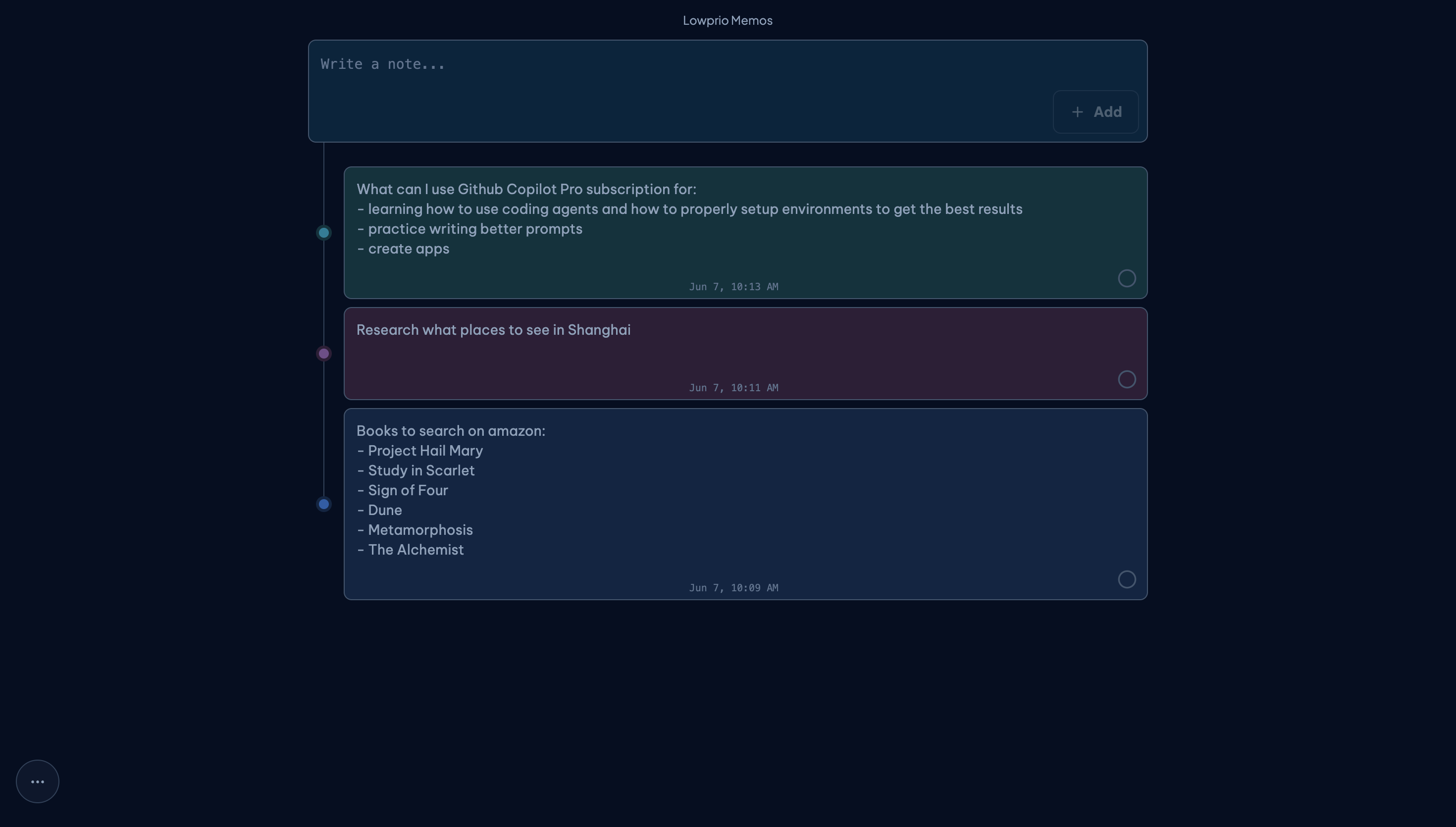
A vertical notes stream for quick thoughts, reminders, and snippets that need to stay visible in order.
Installable apps
Lowprio Notes, Lowprio Links, and Lowprio Memos can be installed as Progressive Web Apps and opened from your home screen, dock, or app launcher.
Install support depends on browser capabilities, but all three apps are built to work as installable PWAs where supported.